
Picture this. You run a cozy coffee shop. Tax time hits. You dig through shoeboxes of receipts and scribbled notes. Panic sets in because numbers don’t add up. You’re not alone. Small businesses using tracking software save about five hours a week on bookkeeping tasks. They cut payroll errors by 22 percent too.
Poor tracking hides your real profits. It wrecks cash flow. You miss deductions and face IRS fines for sloppy records. Accurate logs show where money goes. They help you pay bills on time and spot growth chances.
This post breaks it down. You’ll learn why tracking matters. Start with free methods. Pick top 2026 tools. Follow a simple setup plan. Dodge common traps. By the end, you get a clear path to track like a pro. No stress. Just smart control over your finances.
Why Tracking Income and Expenses Powers Your Small Business Success
You track income and expenses to know your true profits. Banks see clean books for loans. Suppliers get paid without surprises. Taxes file smoothly.
Consider Sarah. She owns a boutique. Before tracking, she thought sales lagged. After logging everything, she found wasteful vendor costs eating 15 percent of revenue. She switched suppliers. Profits jumped.
Benefits stack up fast. Accurate records cut tax errors. They reveal spending leaks. Real-time views predict cash shortfalls. Businesses with software spend 20 to 30 percent less time on books. Cash flow improves because you forecast needs.
Separate business from personal funds first. Use a dedicated account. This avoids mix-ups. The IRS demands proof for deductions. Sloppy logs trigger audits and penalties.
Data backs it. Tools link bank feeds to reports. You see insights instantly. No more guesswork.

For deeper tips on categorization, check Quicken’s guide to expense tracking for small businesses.
Tracking builds confidence. You grow without fear.
Kick Off with Free or Low-Tech Ways to Track Basics
Start simple if you’re bootstrapping. A notebook works for solos under $300K revenue. Jot date, description, amount, and category daily. Pros include zero cost. Cons hit hard: errors creep in. Time drags on totals.
Switch to spreadsheets next. Google Sheets or Excel templates shine. They’re free and flexible.
Set up like this. Create columns: Date, Description, Income or Expense Amount, Category (like rent, sales). Add formulas for monthly sums. For example, use SUMIF for expense totals by type.
Pros: No learning curve. Customize anytime. Cons: Manual entry invites mistakes. No auto-sync with banks.
Wave offers free basics too. It handles invoices and simple logs. Upgrade when volume grows.
Log daily. Review weekly. This catches issues early.
Here’s a quick comparison:
| Method | Cost | Ease | Best For |
|---|---|---|---|
| Notebook | Free | Simple | Ultra-basics, solos |
| Spreadsheet | Free | Medium | Custom needs, low volume |
| Wave Free | Free | Easy | Invoices plus tracking |
Spreadsheets suit most starters. They bridge to software. Daily habits keep you consistent. Weekly checks spot trends. You control cash flow from day one.
Level Up with the Best Accounting Software for 2026
Ready for more power? 2026 tools automate the grind. They sync banks, snap receipts, and generate reports.
QuickBooks leads. It auto-tracks expenses and payroll. Plans start at $35 monthly. Great for teams, but costs rise.
FreshBooks fits freelancers. Snap receipts. Track time easy. Starts at $21 for five clients.
Xero offers clean dashboards. Unlimited users. From $15 monthly. Strong integrations.
Wave stays free for cores. Add Pro for $16.
AI trends shine. Auto-categorize spends. Real-time views. Mobile apps go anywhere.
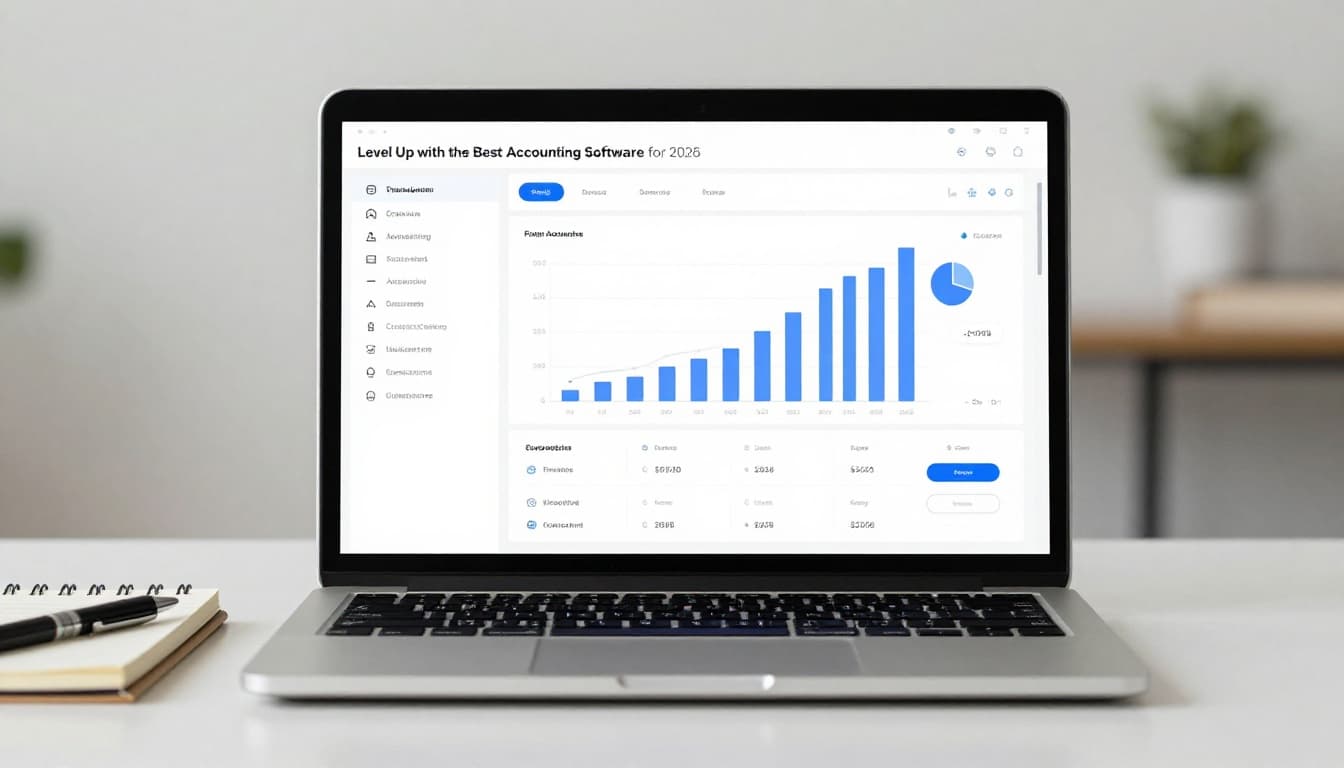
Compare options below. Pick by your stage.
| Software | Starting Price | Key Features | Best For |
|---|---|---|---|
| QuickBooks | $35/mo | Bank sync, payroll, reports | Growing teams |
| FreshBooks | $21/mo | Receipt snaps, time track | Service pros |
| Xero | $15/mo | Unlimited users, apps | Automation fans |
| Wave | Free | Invoices, basic tracking | Freelancers |
See a full QuickBooks vs Xero vs Wave breakdown. Free trials help test fits. Integrations with Stripe or PayPal speed payments. You save hours weekly.
Your Simple Step-by-Step Plan to Start Tracking Right Now
Act today. Follow these steps.
- Open a separate business bank account. Link your credit card too.
- Pick a tool. Trial QuickBooks or Wave free.
- Set categories. Income: sales, invoices. Expenses: office supplies, travel, meals (50 percent deductible).
- Scan receipts daily via app. Snap and upload.
- Record weekly. Enter cash sales.
- Reconcile monthly. Match to bank statements.
- Run reports. Check profit and cash flow.
Set phone reminders. Batch Sundays for reviews. Track mileage with apps for deductions.
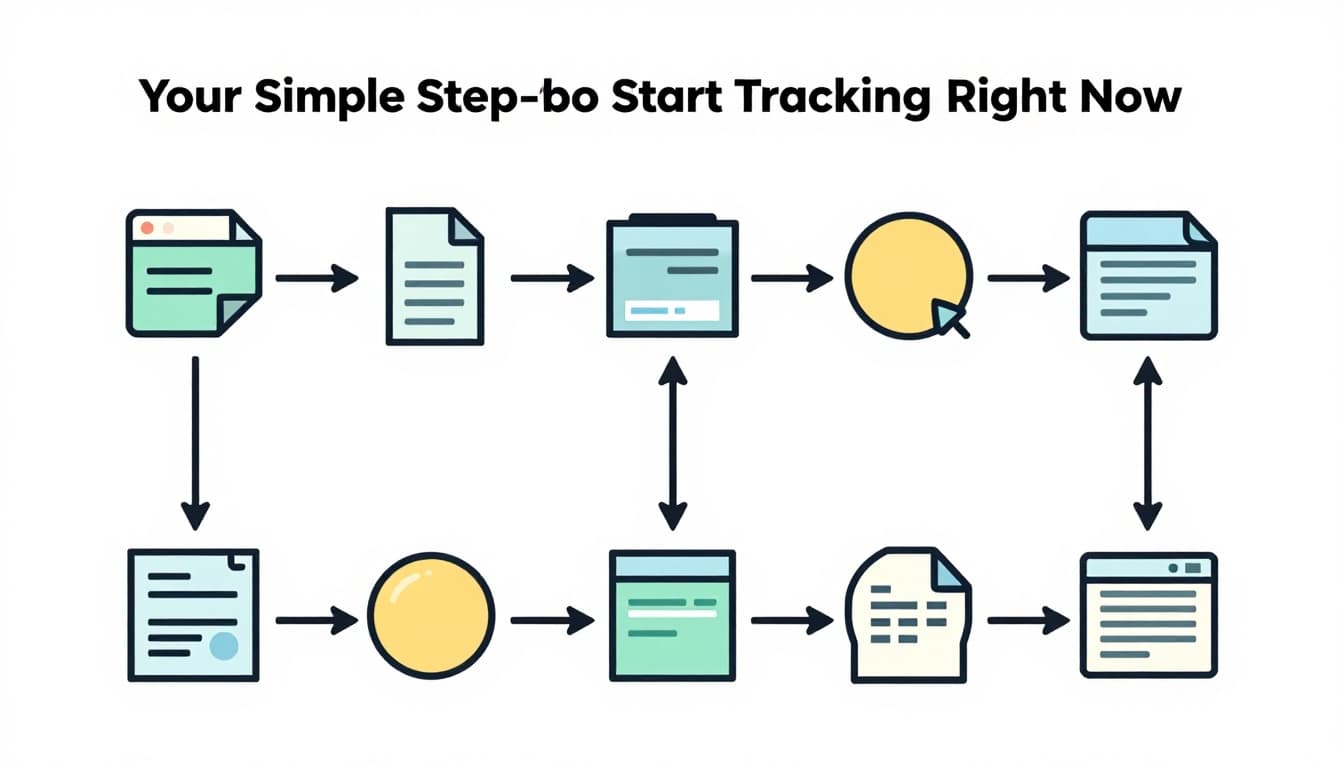
Automation cuts hours. Consistency pays off in smooth taxes.
For a full checklist, see this monthly bookkeeping guide.
Steer Clear of These Common Tracking Mistakes That Hurt Profits
Mistakes cost real money. Avoid them.
Mix personal and business funds. You scramble at tax time. Fix: Use separate accounts only.
Skip receipts. IRS demands proof. Fix: Snap pics daily.
Inconsistent logs lead to forgotten spends. Fix: Weekly routine with reminders.
No categories mean vague reports. Fix: Use tax-ready lists like supplies, advertising.
Ignore bank syncs. Manual errors pile up. Fix: Enable auto-imports.
One owner lost $5K in deductions from lost receipts. Audits followed. Poor tracking causes cash crunches too. You overspend without views.
Dodge these. Your profits stay safe. Growth follows.
Ready to Master Tracking?
Tracking income and expenses simplifies your business. Tools and steps make it easy. You gain clear cash flow and real profits.
Pick one action now. Set up a spreadsheet. Or start a Wave trial. Control your numbers today.
What’s your biggest tracking headache? Share below. Pass this to a friend. Subscribe for more tips.
Take charge. Watch your business thrive. AI makes future tracking even simpler.